COVID-19 Screening with SportzPeak
|
SPORTZPEAK is a proud partner of our race, creating a standard of care and safety for our running community! In light of the COVID Pandemic, we are taking extra precautions to improve safety for the race on November 21, 2020, and abide by national, regional and local recommendations on precautions. These include good hygiene, protective equipment and social distancing at bib pick up and before, during and after the race. We are REQUIRING screening for all runners at bib pick up using the SPORTZPEAK App (instructions coming on sign up). If you prefer to not use the APP then you will need to be screened on site which will take some time for safety. So we strongly recommend you use the APP to do the screening before hand. We have used this platform before and are introducing this screening step for athlete safety. Security and privacy are SPORTZPEAK’s top priorities and your personal data will never be sold. We wish you the safest race ! |
The SportzPeak app will not be available until Tuesday, November 17, at 4pm.
Please follow these steps:
- View the 1 minute 30 second video to learn how to access the app and complete the screening.
- Click the blue button below “Complete Race Safety Sign Up Here” to access the screening and download the app. You can use a phone or PC to complete the screening.
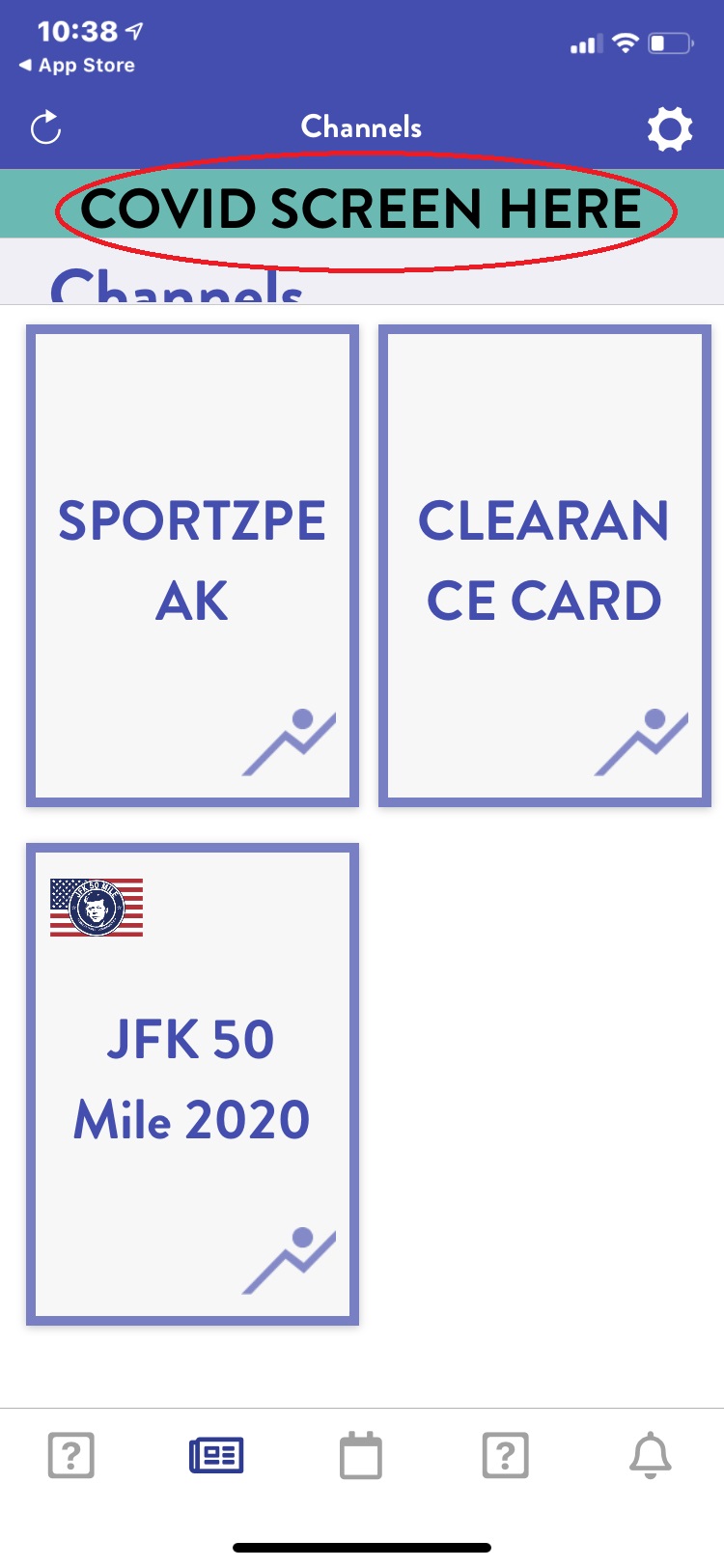
- Note, to do your initial screening there will be a teal color button “COVID SCREEN HERE”, at the top of the app, that you will click to start your first screening.
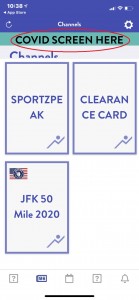
- You must pass this screening to be cleared to race. If you do not pass then you are not permitted to race. Please determine this BEFORE you come to packet pickup.
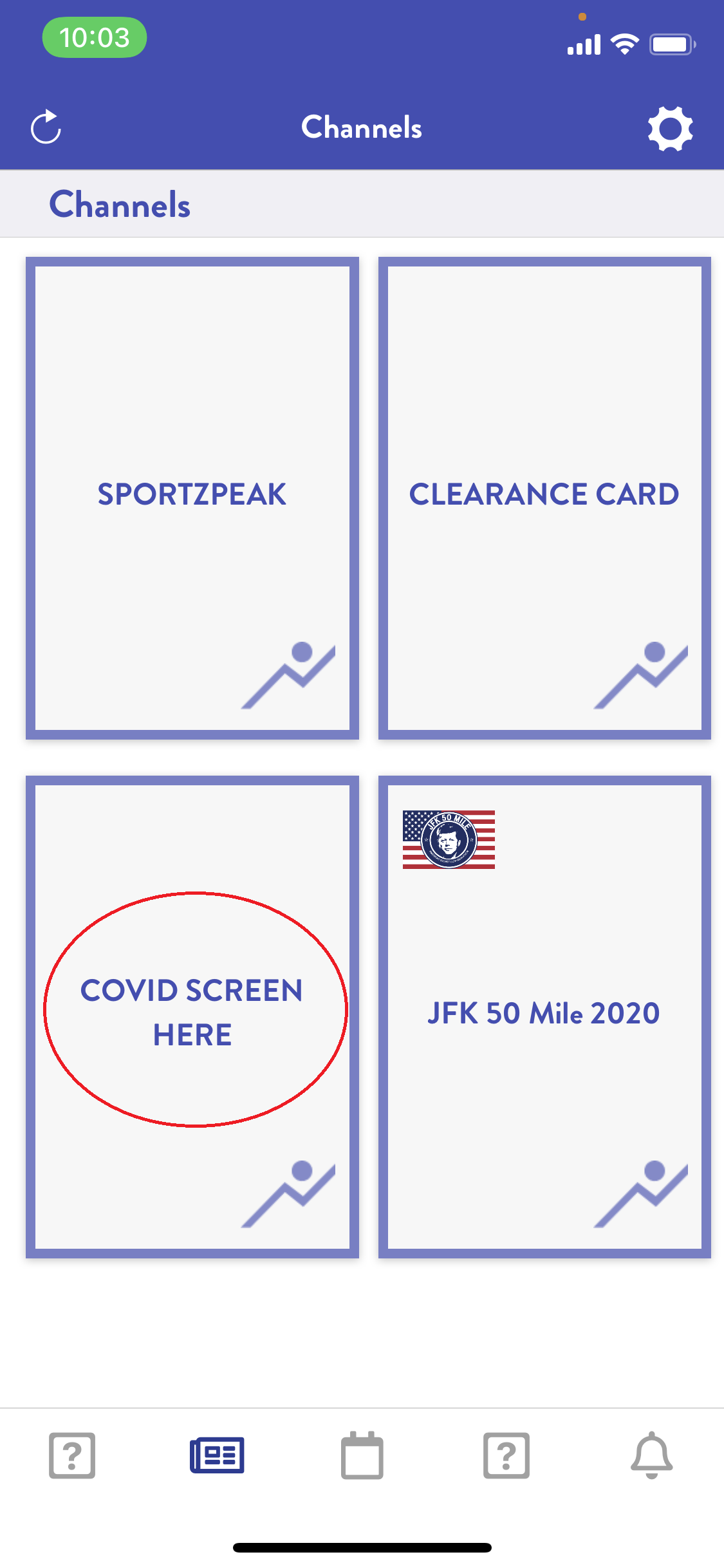
- You will need to redo the screening when you are within 24 hours of coming to packet pickup. If the teal color button, at the top, no longer appears, you will use the “COVID SCREEN HERE” card to redo your screening.
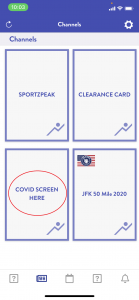
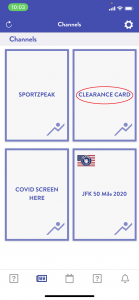
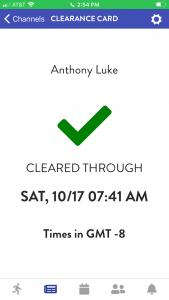
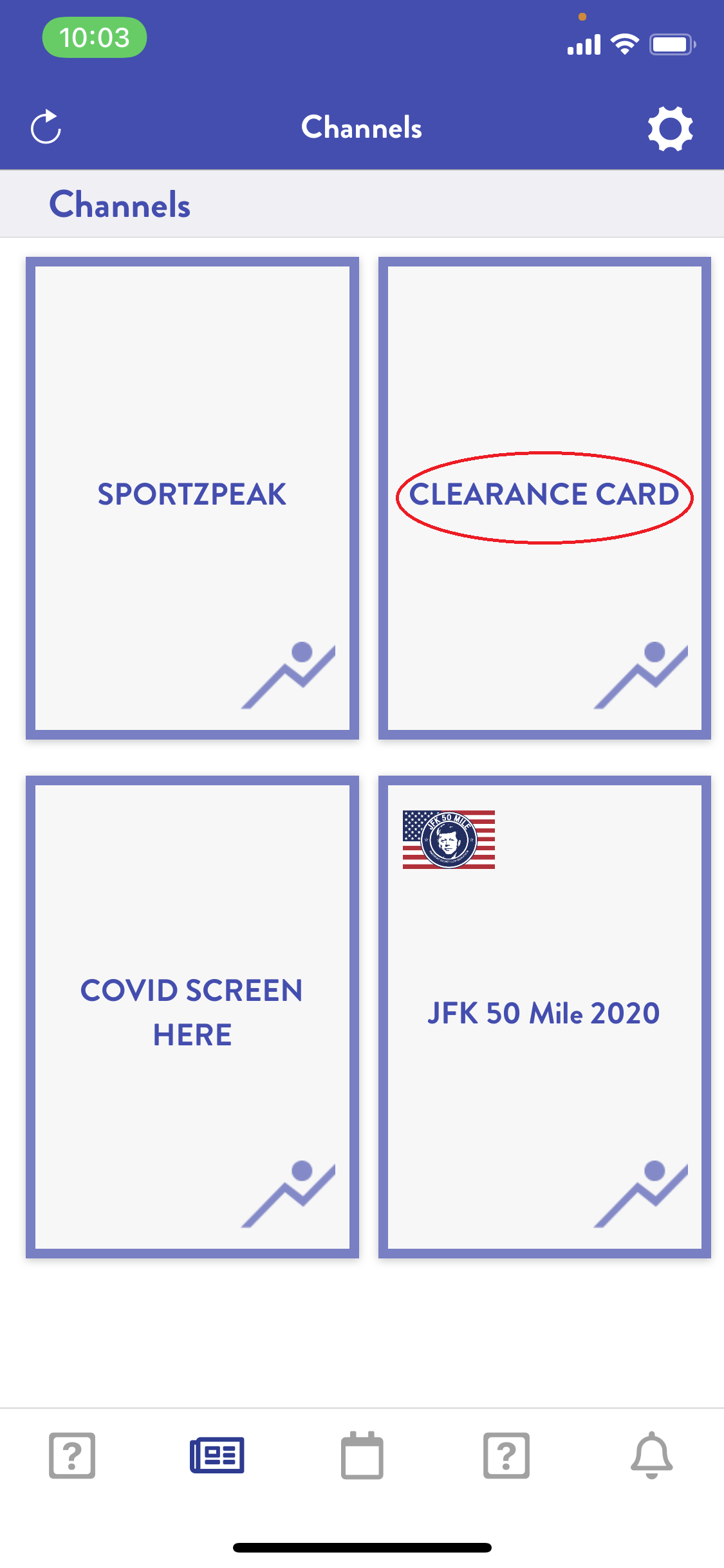
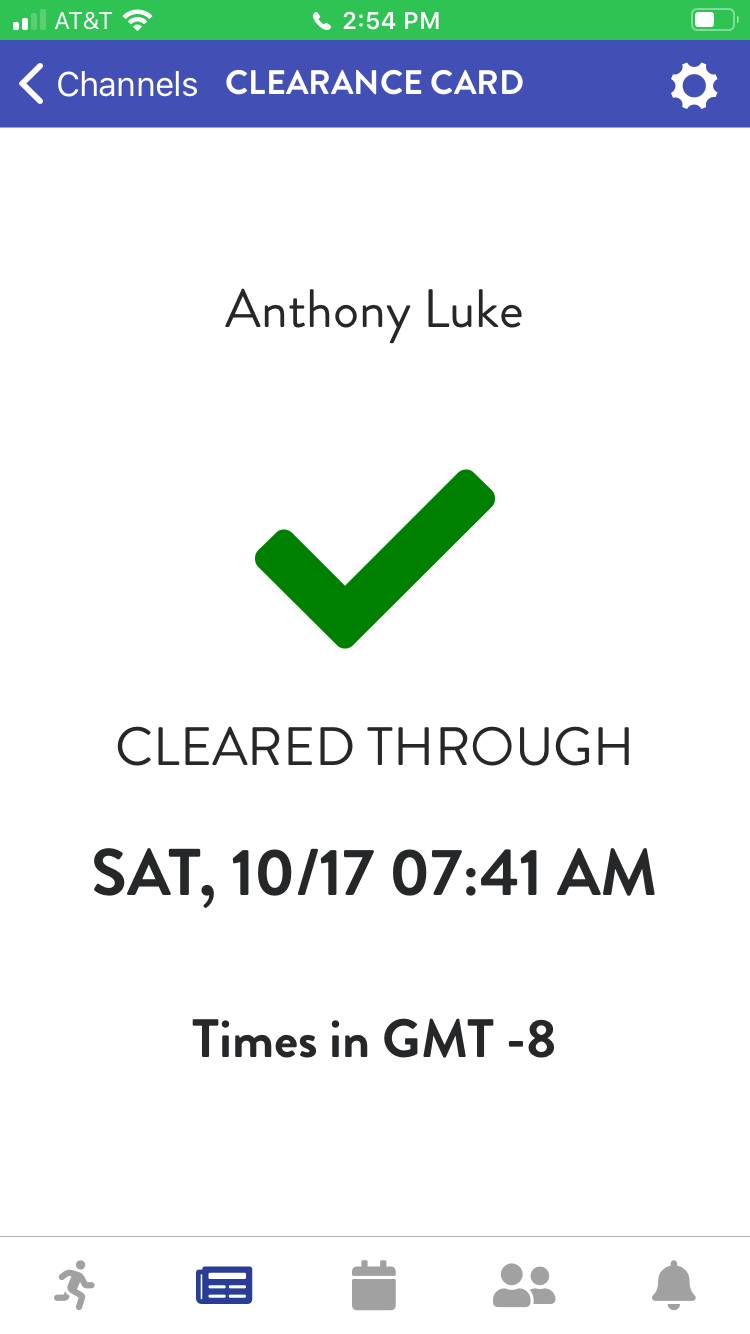
- Once you complete the screening within 24 hours of your attendance of packet pickup, you will get a “CLEARENCE CARD” on the app. This is the card you need to show us at packet pickup. We recommend you open the card and take a screen print of the card when you are in cell service. This will ensure if you have cell service issues at packet pickup, you will still be able to access the card without delaying the process.
|
We activated the button above as of 2:00pm, Monday, November 16. |
|
SPORTZPEAK is secure, private and takes less than 5 minutes. |